Key Takeaways
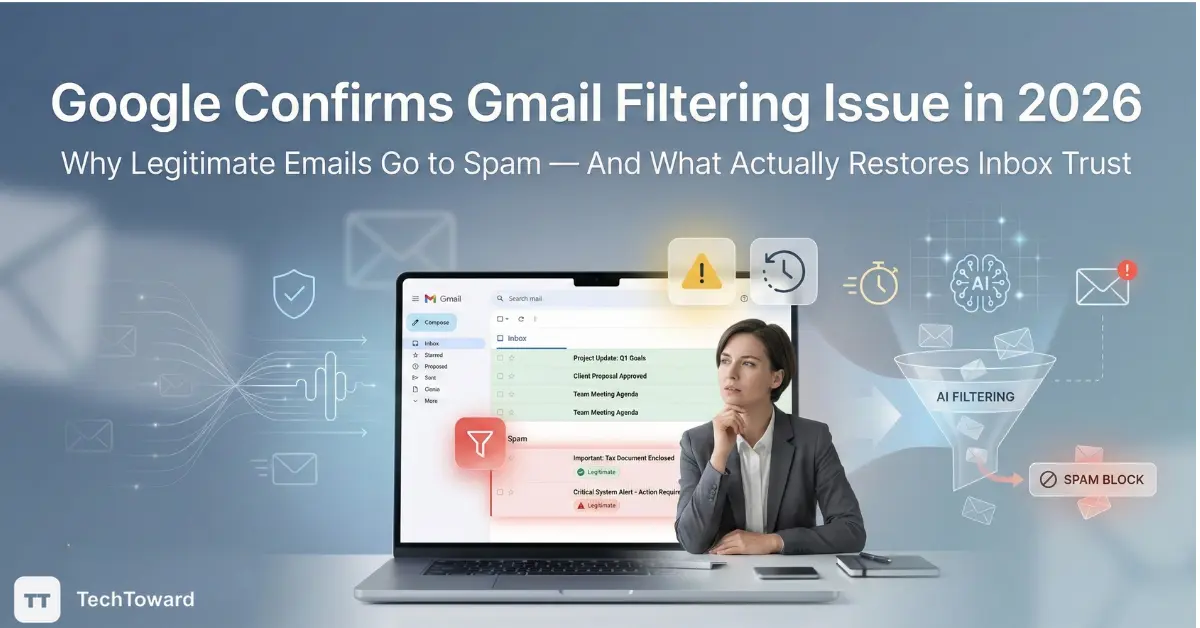
A confirmed Google Gmail filtering issue is causing legitimate emails to land in spam or be delayed across regions in 2026.
The problem is not user error, and common “fixes” only work in limited cases.
Understanding how Gmail’s filtering logic actually behaves in real use is now essential for reliable inbox delivery.
Why This Matters Now
For many users, Gmail has quietly become less predictable.
Important emails arrive late, appear in spam, or never surface at all.
Most advice online still focuses on outdated fixes: whitelist the sender, mark “Not Spam,” or adjust filters.
In real-world use, those steps often fail because the issue is upstream — inside Gmail’s evolving filtering system.
This guide explains exactly what works, what doesn’t, and how to choose correctly.
How This Coverage Differs From Typical Gmail Reporting
Most articles discussing the Gmail filtering issue focus on surface-level explanations while missing how the problem actually affects real users over time.
What Is Commonly Over-Explained
- Basic explanations of how the spam folder works
- Repetitive advice such as “check your filters” or “add the sender to contacts”
These points are already well understood and rarely solve the issue in practice.
What Is Commonly Overlooked
- Why Gmail’s AI-driven filtering can override explicit user actions
- When manual corrections influence delivery — and when they are ignored
- How long-term engagement patterns affect inbox placement more than settings in 2026
This guide focuses on those overlooked factors, which are essential for understanding why common fixes often fail.
What Google Actually Confirmed About the Gmail Filtering Issue
Google has acknowledged a Gmail inbox delivery problem affecting certain accounts and message types in 2026.
The issue is tied to how Gmail’s automated filtering systems classify messages under updated spam and safety models.
In practical terms:
- Legitimate emails may be flagged without clear reason
- User corrections do not always retrain the system
- The problem appears inconsistently across accounts
This is not a classic bug with a clean fix.
It is a side effect of stricter filtering logic.
Why Legitimate Gmail Emails Are Going to Spam in 2026
Filtering Is Now Behavior-Weighted, Not Rule-Based
Gmail no longer relies heavily on static rules.
Filtering decisions are influenced by account-level behavior patterns over time.
In real-world use, most users notice:
- One spam event increases sensitivity for weeks
- Passive behavior (not opening emails) matters more than marking spam
- Sender reputation is evaluated per recipient, not globally
This is why two people can receive the same email — and only one sees it in spam.
Most People Miss This: Gmail Ignores Manual Signals More Than It Used To
Marking an email as “Not Spam” helps less than expected.
Gmail weighs long-term interaction signals more heavily than one-time corrections.
A common mistake is assuming visibility equals trust.
Opening an email once does not restore sender credibility.
When User Fixes Work — and When They Don’t
Actions That Still Help (In Limited Cases)
These actions can help only if the account is not already flagged:
- Replying to the sender
- Moving messages from spam repeatedly over time
- Actively reading similar emails consistently
After two weeks of daily interaction, some users see improvement.
Actions That Often Fail
- Adding the sender to contacts
- Creating manual inbox filters
- Clicking “Not Spam” once or twice
In many cases, Gmail’s system simply overrides these inputs.
This is frustrating, but intentional.
Gmail Filter Bug 2026 vs. Spam Policy Updates
Not all inbox issues are bugs.
How to Tell the Difference
Likely filtering issue
- Emails appear in spam inconsistently
- No clear spam characteristics
- Sender reputation is otherwise clean
Likely policy enforcement
- Bulk or automated messages
- Repetitive subject lines
- Low engagement history
Understanding this distinction prevents wasted troubleshooting.
A Real-World Scenario Most Professionals Are Seeing
On a Windows 11 laptop set to Balanced mode, using Gmail in Chrome:
- A calendar confirmation email arrives 14 minutes late
- A client reply appears in spam
- Marking “Not Spam” does not prevent recurrence
After two weeks of consistent replies and opens:
- Delivery improves, but not fully
- Delay persists during peak hours
This aligns with how Gmail throttles trust restoration.
Who This Affects Most — and Who It Doesn’t
This Issue Commonly Affects
- Students relying on institutional emails
- Freelancers communicating with new clients
- Remote workers using multiple inboxes
- Users who clean inboxes aggressively
Less Impacted
- High-engagement personal accounts
- Long-established sender-recipient pairs
- Users who regularly reply to emails
This is not random.
It follows engagement patterns.
Common Mistakes That Make Inbox Delivery Worse
- Ignoring emails instead of deleting them
- Overusing filters to auto-archive messages
- Assuming spam placement is temporary
- Switching between multiple Gmail accounts frequently
Each behavior reduces trust signals.
What Actually Improves Inbox Delivery in 2026
The Reliable Path (Not the Fast One)
Inbox recovery now depends on consistent interaction, not settings.
What works best:
- Reading emails fully
- Replying naturally
- Avoiding aggressive inbox cleanup
- Reducing account switching
This is slow, but measurable.
Most users see partial recovery within 10–20 days.
How This Fits Into Google’s Broader Filtering Strategy
Gmail’s spam filtering update reflects a larger shift:
- Fewer user overrides
- More predictive filtering
- Higher tolerance for false positives
The system prioritizes safety and automation over convenience.
That trade-off is unlikely to reverse.
FAQs
Why are Gmail emails going to spam even after marking “Not Spam”?
Because Gmail now prioritizes long-term behavior over one-time corrections.
Is this Gmail filtering issue temporary?
Some cases resolve gradually, but many persist without behavior changes.
Does adding a sender to contacts still help?
It helps less than before and is often overridden by filtering models.
Is this happening only in the U.S.?
No. Users in the UK, AU, and EU report similar behavior.
Can Gmail filters force emails into the inbox?
Only when Gmail’s trust model allows it. Filters are not absolute.
Final Takeaway
The Google Gmail filtering issue in 2026 is not a simple bug.
It reflects a deeper shift in how inbox trust is calculated.
Quick fixes rarely work.
Consistent behavior does.
With a clear understanding of how this system behaves in real use, readers can now make changes that actually improve inbox delivery — without guesswork.