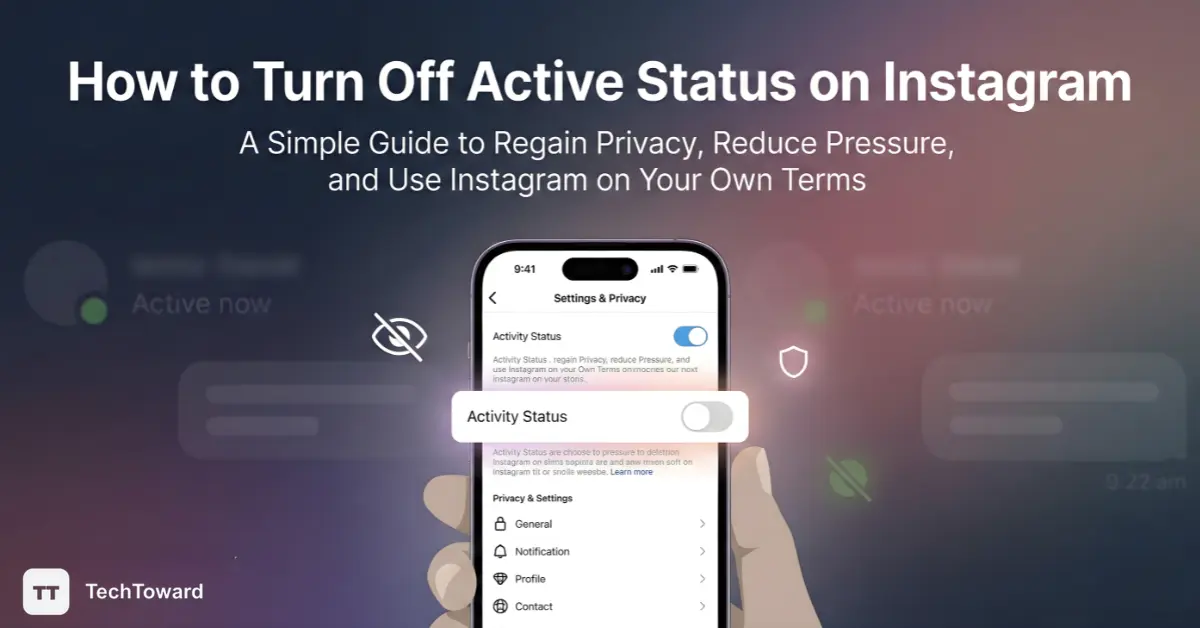
How to Turn off Active Status on Instagram might sound simple, but beneath the surface lies a surprisingly powerful way to take back your privacy and reduce social pressure. With the right steps, you can stop Instagram from broadcasting when you’re online — and most people don’t even realize how easy it actually is.
Whether you’re tired of being “on call,” craving quiet time, or just want to use Instagram on your own terms, this guide breaks down everything you need to know — in plain language, with real insights.
What You’ll Discover
Here’s what you’ll learn in this guide:
- Exactly what Instagram’s Active Status is — and why it matters
- Step-by-step instructions for turning it off
- What changes when you turn it off
- Common myths, mistakes, and hidden tips
- Real user questions answered (based on actual Instagram users)
What Is Active Status on Instagram Anyway?
Instagram’s Active Status is a privacy feature that shows others:
- When you’re currently online
- Or when you were last active on the app
This shows up as a green dot or an “Active 10m ago” timestamp next to your profile in Direct Messages.
It’s closely related to how other platforms like Facebook Messenger show online presence — and Instagram uses this social cue to encourage replies and engagement. But that’s exactly why some people want to turn it off. Let’s dig into why.
Why You Might Want to Turn Off Your Active Status
1. Take Back Your Privacy
You don’t have to broadcast your online habits to the world — or even to followers you know. Turning off active status gives you control over who knows you’re online.
2. Reduce Social Pressure
Ever felt guilty for scrolling because someone could see you were “active”? You’re not alone. Without the pressure of being visible, you can just use Instagram on your own terms.
3. Focus Without Distractions
Seeing when you’re active can invite more messages — exactly when you don’t want them. Turning this off helps you focus.
What You Can’t Do When It’s Off
Remember: this setting affects both sides of the connection. If you hide your status, you also lose the ability to see others’ active status — including friends you message.
How to Turn Off Active Status on Instagram (Step-by-Step)
Here’s the clean, fool-proof method used by millions of Instagram users around the world.
For iPhone & Android
- Open Instagram and sign in.
- Tap your profile icon (bottom right).
- Tap the menu (top right) and choose Settings and privacy.
- Scroll down to Messages and story replies.
- Tap Show activity status.
- Toggle it off (slide the switch so it’s gray instead of blue).
That’s it — you’ve disabled your active status. No more green dot or “active now” indicators for anyone else to see.
Can You Do This on Desktop?
Short answer: yes, but it’s best done in the mobile app. Some Instagram web versions may not show this toggle clearly — or may bury it under different menus. The most reliable way is through the Instagram mobile app settings.
What Happens After You Turn It Off
Once you flip that switch:
- People can no longer see if you’re online
- No one sees when you were last active
- You also can’t see others’ active status
- Your messaging and posting functions remain fully normal
It’s a privacy setting — not a feature lockdown.
Important Detail
Turning off active status doesn’t stop read receipts. If you open and read a message, the sender may still know you’ve seen it (unless additional privacy settings apply).
Common Myths & Mistakes (Cleared Up)
Myth: Turning Off Active Status Breaks Instagram
False — you can still scroll, post, comment, and message. It only affects the visibility of your online time.
Myth: You Can Hide It From Some People Only
Instagram’s active status toggle is all-or-nothing — you can’t selectively hide it from specific followers.
Myth: Turning Off Status Hides All Activity
Nope — posting, liking, and commenting still show up normally. Only online presence is hidden.
Tip: Use the Settings Search Bar
If you can’t find Active Status in settings, use the search bar at the top of Settings and privacy and type “status” — this works great on the latest app versions.
A Deeper Look: The Psychology Behind Hiding Active Status
Why are people so interested in their online visibility?
Most major social platforms use activity cues to trigger engagement — social proof, urgency, and connection loops. These cues make us feel “seen” or “ignored,” which can impact mood and behavior — especially in highly social spaces like Instagram. Learning how to manage your digital presence is becoming a modern life skill. The Active Status toggle is a small but meaningful tool in that toolkit.
Real User Insights
Here’s a snapshot of what Instagram users share in real-world discussions:
- Some users say settings get buried or confusing after app updates — using the search function helps.
- A few report occasional bugs where activity status doesn’t show or hide as expected — this can be fixed by app updates or reinstalling the app.
- Users confirm that once it’s off, no one can see your active/last seen info, matching the official settings behavior.
These grassroots experiences align with Instagram’s official privacy design and reflect real conditions many users face.
FAQ — Quick Answers You Actually Want
Can I turn off active status for only certain people?
Short answer: No.
Instagram currently only offers a universal on/off toggle for all followers and contacts.
Will turning it off stop read receipts?
Short answer: No.
Hiding your active status affects only online presence, not whether someone sees if you’ve read a direct message.
If I turn it off, can I still message normally?
Short answer: Yes.
You can still send and receive messages like always. Only visibility changes.
Can Instagram ever show this status without consent?
Short answer: No — by design, only you control the Active Status setting.
Recent privacy changes are optional and separate from the active status toggle.
Why doesn’t the option show up for me?
Short answer: Make sure your app is updated and use the search bar inside Settings and privacy to find “activity status.”
Do others know if I’ve turned mine off?
Short answer: Not explicitly.
Others just won’t see a green dot or timestamps — but they might infer you’ve disabled it if you’re active without those indicators.
Final Thoughts — Privacy That Feels Like Freedom
Turning off your Active Status on Instagram isn’t about hiding — it’s about choosing how and when you show up. In a world where every tap and minute online can feel observed, a simple toggle gives you back space to breathe.
Now that you know how it works, don’t just scroll away — try it yourself and feel the difference.
Ready for more control? Explore additional privacy tools like Account Privacy, Message Controls, and Close Friends Stories to shape your Instagram experience your way.