Home

Filter posts by category

Microsoft Zero Day Vulnerabilities in 2026: Emerging Threats, Real-World Exploits & Enterprise Defense Strategies

Summary Microsoft zero-day vulnerabilities in 2026 continue to pose immediate risk because they are exploited before official patches are available. These flaws often affect widely deployed platforms such as Windows, Microsoft 365, Azure services, and on-premises enterprise infrastructure. Effective defense depends less on reactive patching alone and more on layered mitigation, rapid detection, and disciplined […]
Microsoft Zero Day Vulnerabilities in 2026: Emerging Threats, Real-World Exploits & Enterprise Defense Strategies Read More »

How to Clear Delivery Optimization Cache in Windows

Summary Windows updates are designed to be efficient, but cached delivery data can quietly slow systems down or consume more bandwidth than expected. Clearing the Delivery Optimization cache in Windows helps resolve update delays, unexpected network usage, and stalled downloads—especially on Windows 10 and Windows 11 systems used in shared or bandwidth-sensitive environments. Introduction: Why

How to Clear Delivery Optimization Cache in Windows Read More »

Best AI Chatbots in 2026: Top Intelligent Assistants for Business, Productivity & Automation

Summary: In 2026, AI chatbots have evolved into operational partners that support decision-making, automate workflows, and coordinate complex systems across organizations. The challenge is no longer identifying whether AI assistants are useful, but determining which platforms deliver reliable intelligence, governance, and long-term value for specific business needs. The best-performing solutions distinguish themselves through integration depth,

Best AI Chatbots in 2026: Top Intelligent Assistants for Business, Productivity & Automation Read More »

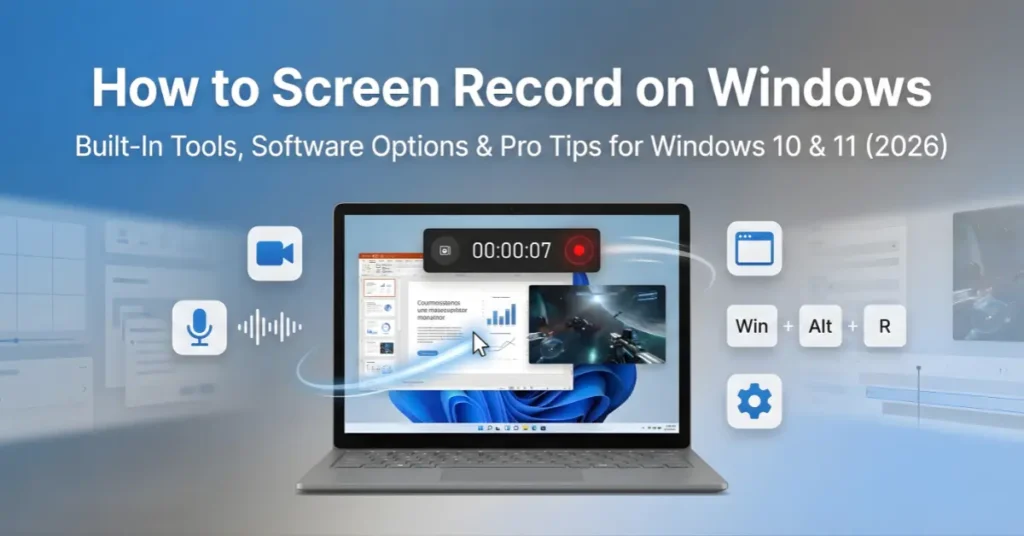
A laptop screen displaying a recording in progress with a timer (00:00:07), surrounded by floating icons for microphone, video, settings, and the $Win + Alt + R$ keyboard shortcut.

How to Screen Record on Windows?

Summary Screen recording on Windows is easier than most users expect. Windows 11 includes built-in tools like Xbox Game Bar (Windows + Alt + R) and the Snipping Tool (Windows + Shift + S) that let users record tutorials, meetings, workflows, or gameplay in seconds. In 2026, the best choice depends on recording goals, quality

How to Screen Record on Windows? Read More »

Apple–Google AI Partnership in 2026: What It Means for iOS, Android, and the Future of Consumer AI

Summary: In 2026, Apple and Google’s evolving AI partnership signals a shift from isolated platform intelligence toward selective collaboration across consumer ecosystems. Rather than merging strategies, both companies are aligning where it improves user experience, model performance, and regulatory positioning—especially across iOS and Android. The result is a more interconnected AI layer that subtly reshapes

Apple–Google AI Partnership in 2026: What It Means for iOS, Android, and the Future of Consumer AI Read More »

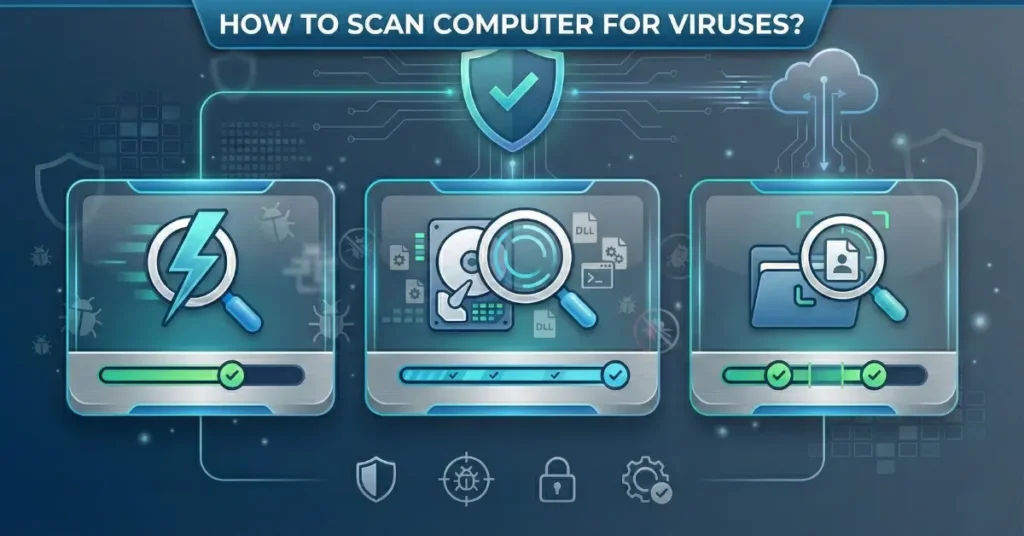
Illustration showing three types of computer virus scans: a quick lightning scan, a deep hard drive scan, and a specific folder scan.

How to Scan Your Windows Computer for Viruses and Remove Them

Quick Summary Scanning a computer for viruses involves using security software to examine files, programs, and system areas for malicious code that could compromise performance or steal data. Windows 11 includes Microsoft Defender Antivirus as a built-in solution that performs automatic background checks, while users can also run manual scans through Quick Scan (5-10 minutes),

How to Scan Your Windows Computer for Viruses and Remove Them Read More »

Google Home 4.8 Update: New Smart Automation Features, Improvements & What’s Changed in 2026

Key Takeaways: The Google Home 4.8 update marks a meaningful shift in how smart homes operate in 2026, moving beyond simple voice commands toward more adaptive, context-aware automation. Instead of requiring constant manual setup, the platform now emphasizes learning patterns, reducing friction, and coordinating devices more intelligently across the home. For users already invested in

Google Home 4.8 Update: New Smart Automation Features, Improvements & What’s Changed in 2026 Read More »

How to Back Up Computer Data Safely: Smart, Automated & Cloud-Ready Methods

Summary Backing up computer data safely in 2026 means combining automation, redundancy, and security rather than relying on a single device or manual habit. Modern backup approaches protect against hardware failure, ransomware, accidental deletion, and even account lockouts by spreading copies across local and cloud environments. The most reliable setups are designed to operate quietly

How to Back Up Computer Data Safely: Smart, Automated & Cloud-Ready Methods Read More »

New Apple MacBook Pro Models With M5 Pro & M5 Max Chips: Expected Specs, Performance Gains & Release Outlook

Summary Apple’s next-generation MacBook Pro lineup built around the M5 Pro and M5 Max chips is shaping up to be less about dramatic design changes and more about strategic performance evolution. The focus appears to be sustained power, AI-accelerated workloads, and efficiency gains that matter most to professionals who already push current Apple Silicon systems

New Apple MacBook Pro Models With M5 Pro & M5 Max Chips: Expected Specs, Performance Gains & Release Outlook Read More »

How to Reset Your Computer Password in Windows, Mac & Locked Accounts

Summary For anyone locked out of a device, the ability to reset a computer password is less about technical skill and more about choosing the correct recovery path for the operating system and account type. Modern Windows and macOS systems provide built-in recovery tools designed to restore access without data loss — but the safest

How to Reset Your Computer Password in Windows, Mac & Locked Accounts Read More »

Scroll to Top